
Sticker-by-sticker input
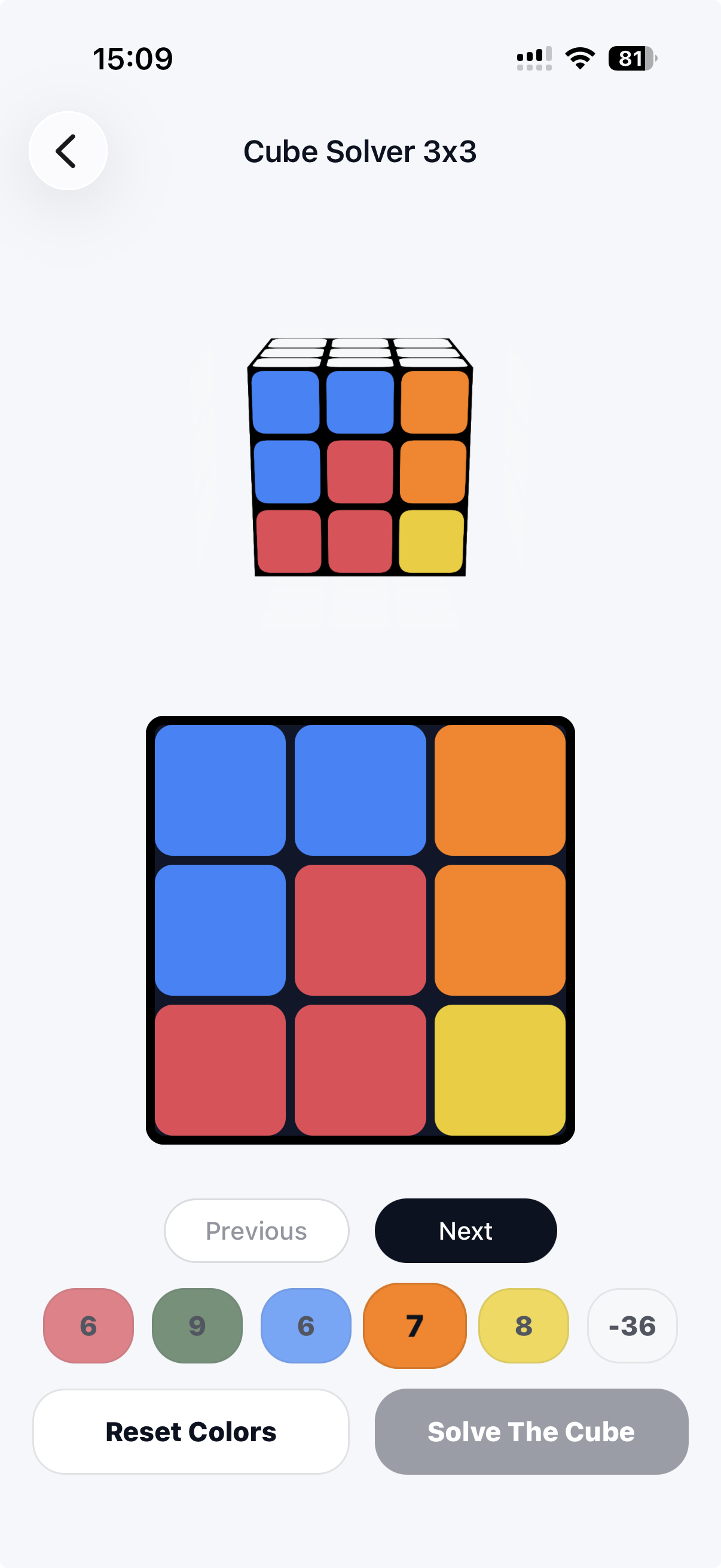
Recreate the actual cube in front of you with a simple color picker. The app catches impossible states before you waste time following the wrong path.
2x2 and 3x3 mobile solver
Build your cube face by face, check the scramble, then follow animated turns without guessing what the notation means.


Free download. Premium removes ads and unlocks more solving.

Start a 2x2 or 3x3 solve from the home screen.
Tap the stickers on each side until your real cube matches.
Step through the solution with readable turns and cube animation.
Built for quick rescue solves
Recreate the actual cube in front of you with a simple color picker. The app catches impossible states before you waste time following the wrong path.
Move through the algorithm at your own pace. Each turn is shown visually, which is friendlier when cube notation still feels new.
Use it as a recovery tool, then repeat sections to understand why common cube patterns lead to the next move.
About the app
Cube Solver is made for the moment when a puzzle is scrambled, the tutorial video is too slow, and you just want the next move to be obvious. Instead of giving generic beginner instructions, the app uses the exact colors you enter to produce a solution for that cube.
It works for standard 2x2 and 3x3 cubes, including common “rubix cube solver” searches. The important part is accuracy: match the stickers carefully, then let the app guide the turns.
Questions
It can solve valid 2x2 and 3x3 cube states. If stickers were entered incorrectly or the cube was physically assembled wrong, the app may ask you to check the colors.
No. Cube Solver uses manual color input, so you stay in control and do not need to grant camera access.
Not at all. It is designed for beginners and casual solvers who want clear steps without memorizing algorithms first.
Premium removes ads and unlocks more solving access. Purchases are handled by the App Store or Google Play.